
웹소설 표지 생성을 위한 프롬프트 예시
웹소설 표지에 어울리는 판타지 일러스트를 만들기 위한 AI 이미지 생성 프롬프트와 수정 팁을 소개합니다.
이 프롬프트는 웹소설 표지에 어울리는 고화질 판타지 일러스트를 만들기 위한 예시입니다. 표지는 캐릭터, 배경 오브젝트, 조명, 장르 분위기가 한눈에 읽혀야 하므로 장면의 중심 요소를 명확하게 넣었습니다.
생성 결과
전체 프롬프트
A professional fantasy webnovel book cover illustration, featuring a mysterious hero with glowing eyes, standing in front of a majestic ancient portal, epic lighting, dark fantasy mood, highly detailed digital painting, trending on artstation, 8k resolution, cinematic composition --ar 2:3
CopilotGPT-4o
GeminiNano Banana 2
프롬프트 구성
professional fantasy webnovel book cover illustration: 웹소설 표지에 맞는 구도와 품질을 지정합니다.mysterious hero with glowing eyes: 주인공의 첫인상과 장르 톤을 만듭니다.standing in front of a majestic ancient portal: 배경에 이야기의 규모감을 부여합니다.epic lighting, dark fantasy mood: 조명과 분위기를 동시에 고정합니다.
원하는 결과로 바꾸는 방법
- 인물을 바꾸려면
mysterious hero를female elf warrior,gothic wizard,young sword master처럼 교체합니다. - 배경을 바꾸려면
ancient portal을dark castle ruins,futuristic city street,burning battlefield로 바꿉니다. - 로맨스 판타지 표지를 원한다면
soft watercolor fantasy style, romance novel cover를 추가합니다.
추천 설정
- 화면비: 표지용 세로 비율인
2:3권장 - 주의: AI가 제목 글자를 정확히 만들기는 어렵습니다. 표지 제목과 작가명은 별도 편집 도구에서 넣는 편이 안정적입니다.
핵심 요약
이 프롬프트는 판타지 웹소설 표지의 주인공, 배경 오브젝트, 장르 분위기를 한 장에 담고 싶을 때 적합합니다. 표지 제목까지 AI에 맡기기보다 이미지는 생성하고 타이포그래피는 별도 편집하는 방식이 안정적입니다.
- 핵심 조건:
webnovel book cover illustration,mysterious hero,epic lighting - 추천 화면비: 표지형 세로 비율인 2:3
- 수정 우선순위: 주인공 유형, 배경 오브젝트, 장르 분위기, 조명 순서로 바꿉니다.
- 주의할 점: 제목, 작가명, 로고는 생성 이미지 안에 넣기보다 편집 도구에서 추가하는 것이 좋습니다.
자주 묻는 질문 (FAQ)
- Q. 웹소설 표지 프롬프트에서 가장 먼저 정해야 할 요소는 무엇인가요?
- 주인공의 유형과 장르 분위기를 먼저 정해야 합니다. 그다음 배경 오브젝트와 조명을 더하면 표지의 첫인상이 명확해집니다.
- Q. 로맨스 판타지 표지로 바꾸려면 어떻게 수정하나요?
dark fantasy mood를romantic fantasy mood로 바꾸고soft watercolor fantasy style,elegant palace background,warm glowing light같은 표현을 추가하면 좋습니다.- Q. 표지 제목도 프롬프트에 넣는 것이 좋나요?
- AI 이미지 생성 모델은 글자를 정확히 렌더링하지 못하는 경우가 많습니다. 제목과 작가명은 이미지 생성 후 별도 편집 도구에서 넣는 편이 안정적입니다.
Related
관련 프롬프트
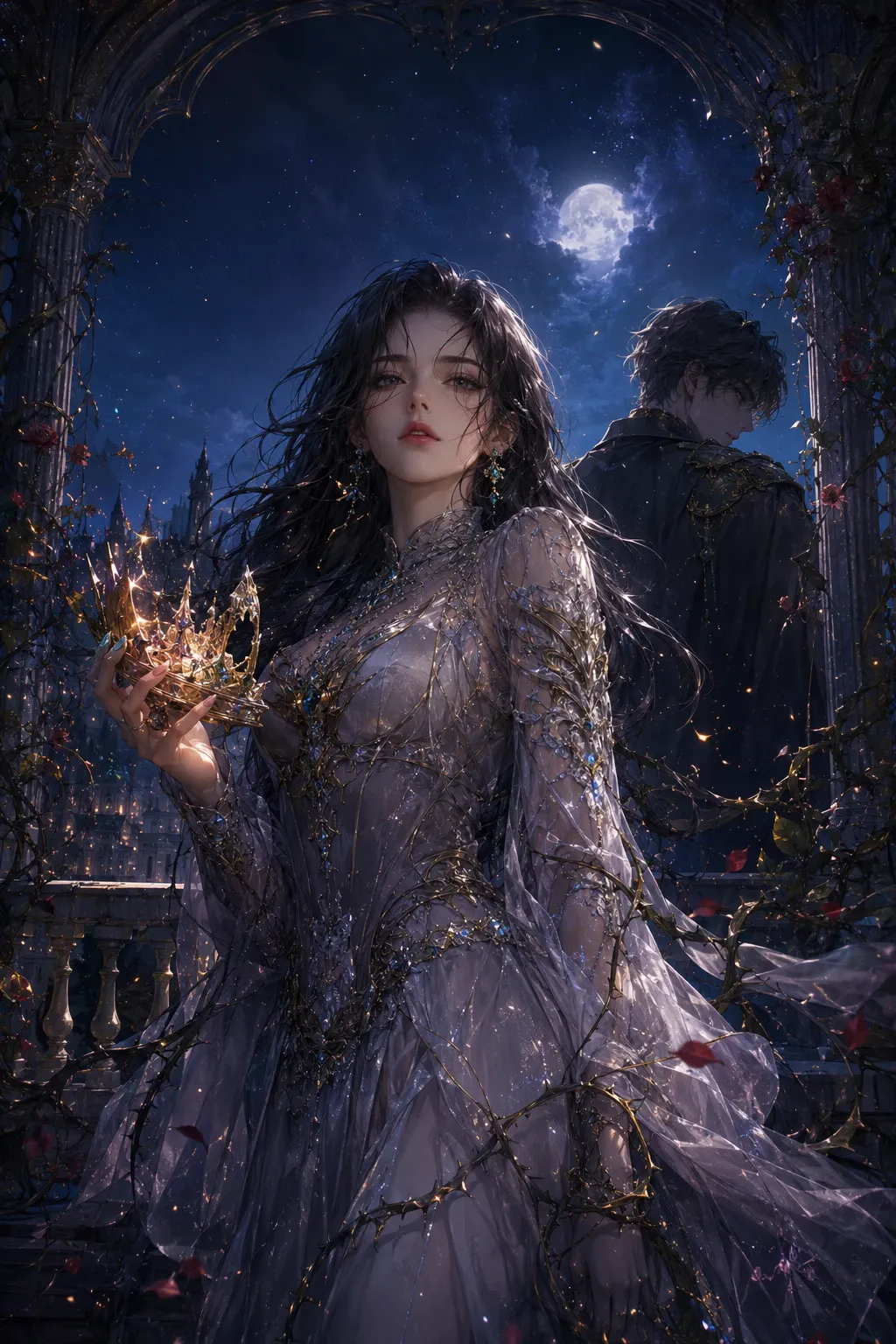
최신 트렌드 웹소설 표지 이미지 프롬프트
2026년 웹소설 표지 트렌드에 맞춰 로맨스판타지, 어반 판타지, 다크 판타지 감성을 살리는 AI 이미지 생성 프롬프트와 활용법을 소개합니다.
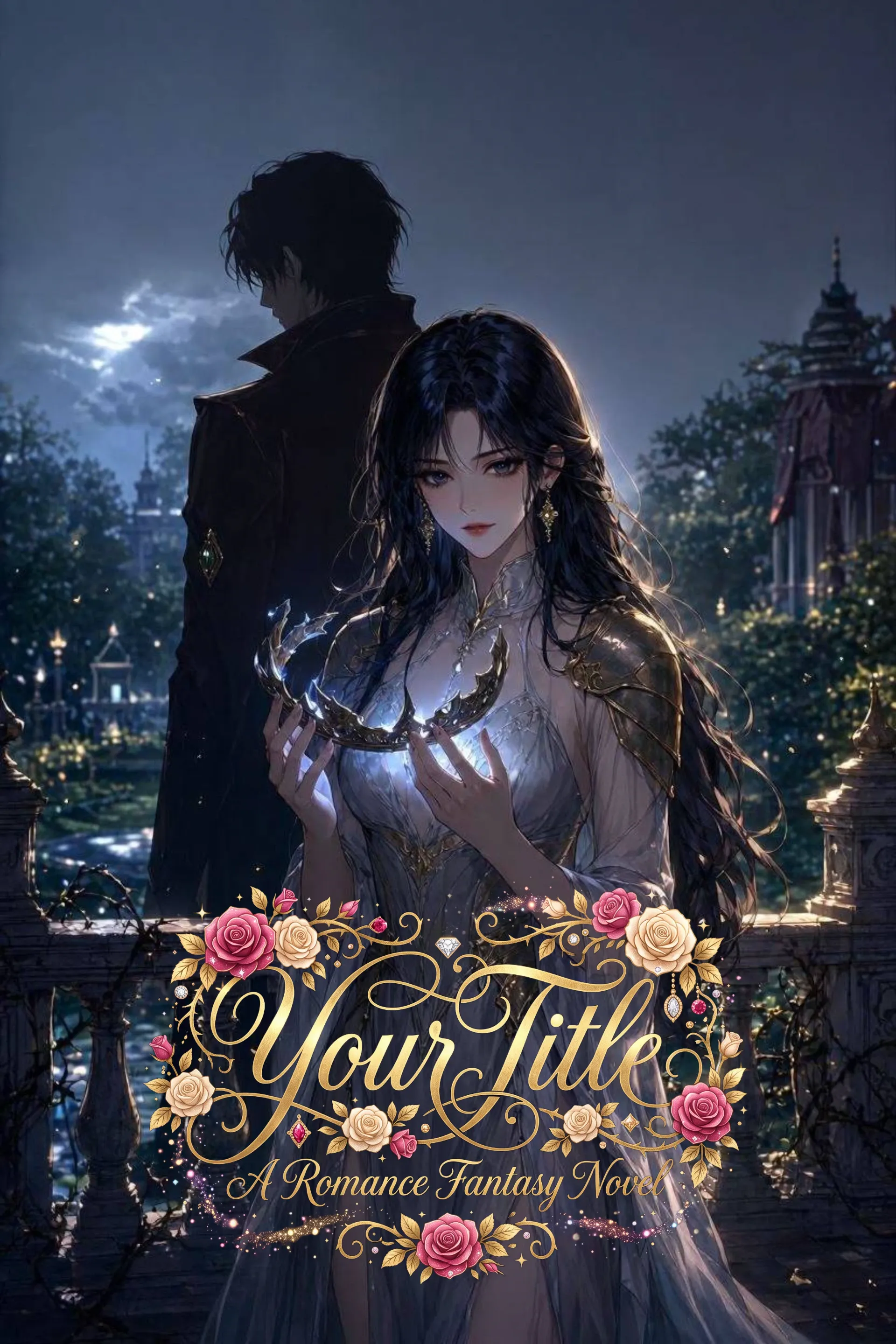
다양한 폰트 스타일로 연출하는 웹소설 제목 타이포그래피 프롬프트
소설 제목 치환 슬롯과 누끼(투명 배경) 추출 옵션이 포함된 5가지 장르별 웹소설 제목 타이포그래피 미드저니·아이디오그램 프롬프트 모음입니다.
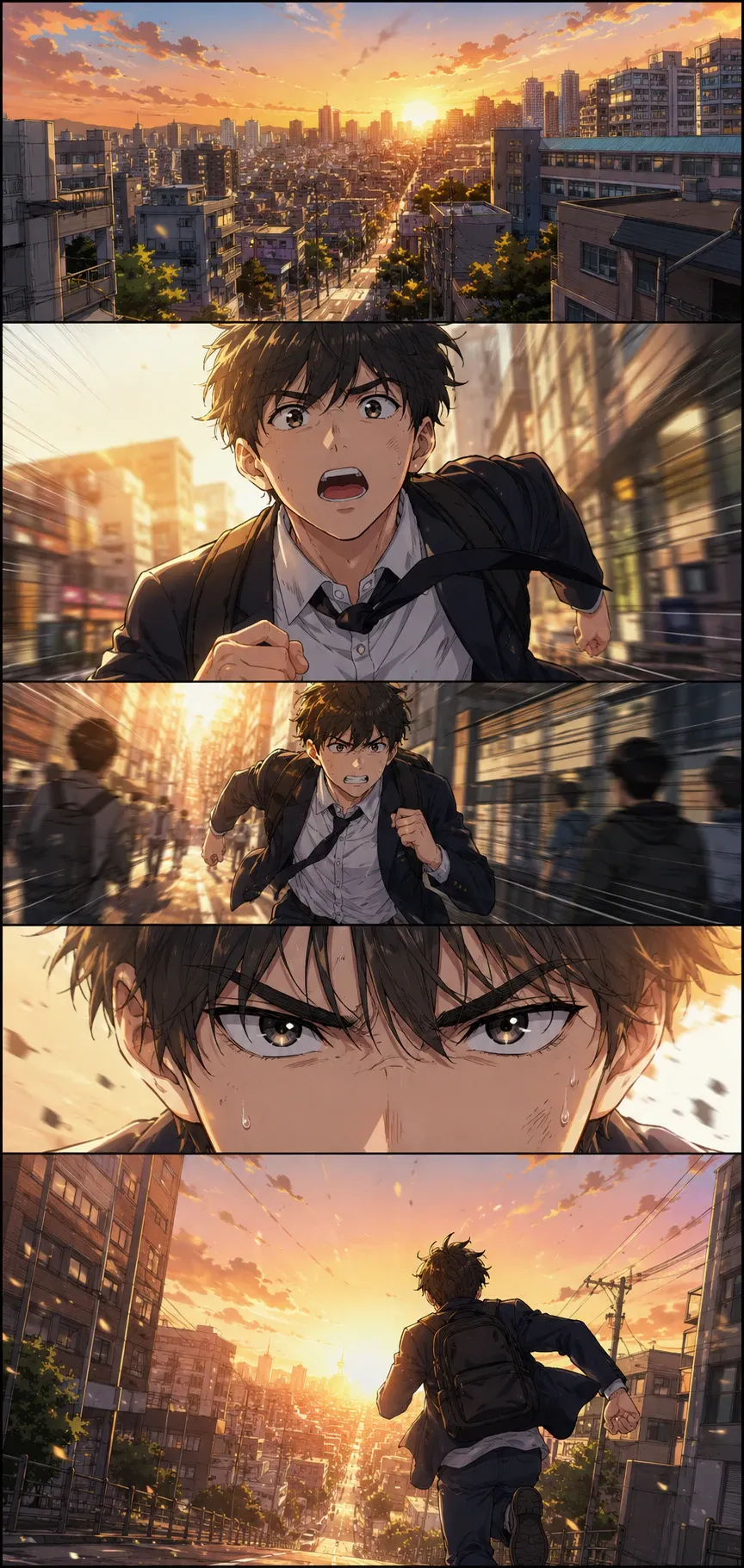
한국식 웹툰 컷 분할 일러스트 프롬프트
한국식 웹툰 스타일로 컷이 명확히 구분된 장면 일러스트를 만드는 AI 이미지 프롬프트입니다. 인물 표정, 말풍선 없는 연출, 패널 구성, 채색 분위기까지 바로 활용할 수 있게 정리했습니다.
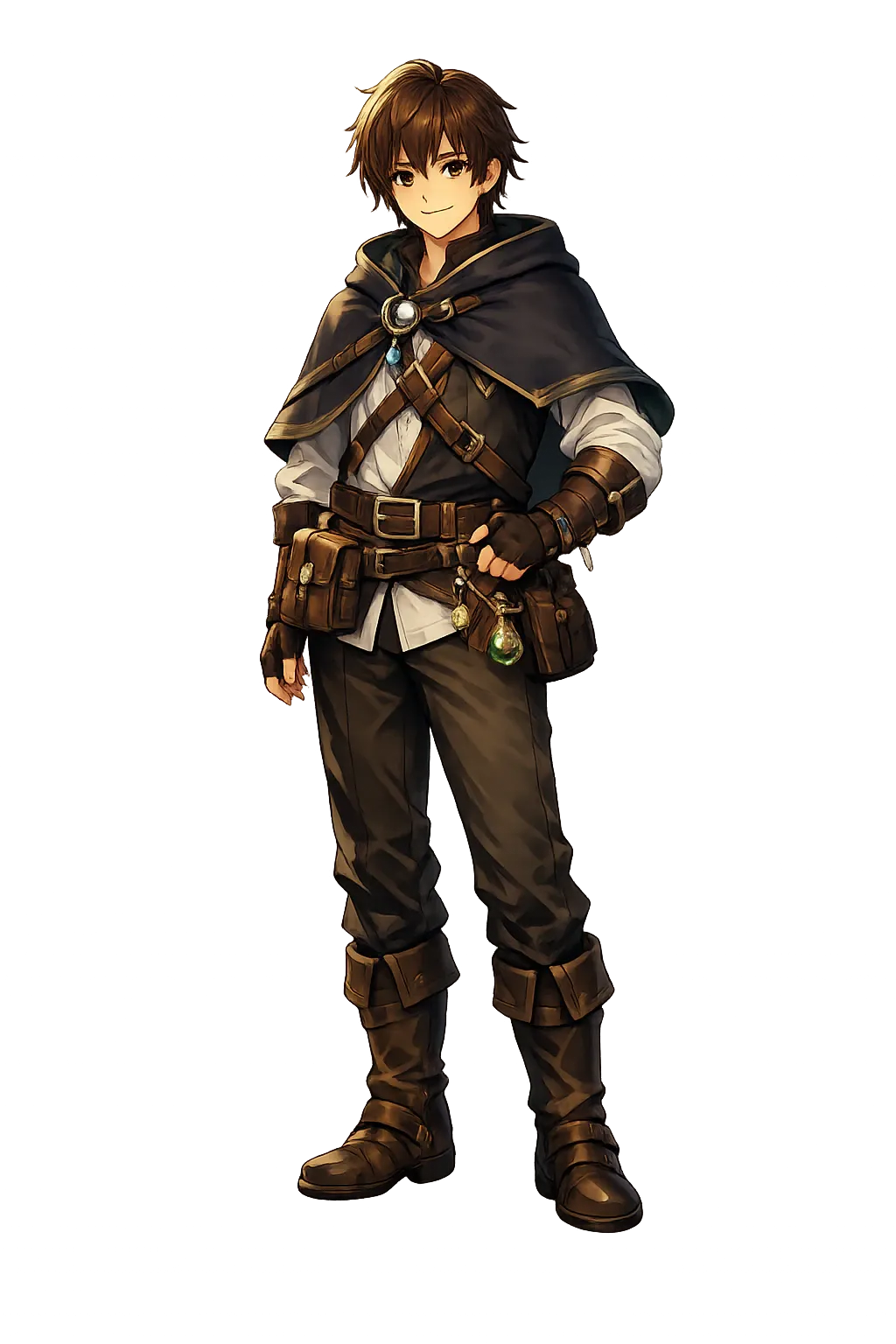
투명 배경 캐릭터 일러스트 이미지 프롬프트
배경 없이 바로 사용할 수 있는 투명 PNG 스타일 캐릭터 일러스트를 만드는 영어 프롬프트와 설정법을 소개합니다. 굿즈, 썸네일, 프로필, 웹소설 캐릭터에 활용하기 좋은 실전 레시피입니다.